

We saw what a uProbe-type program was in part one: a way to probe a library.
We will verify this with an Aya program that will retrieve the various arguments of the execve() function from Libc.
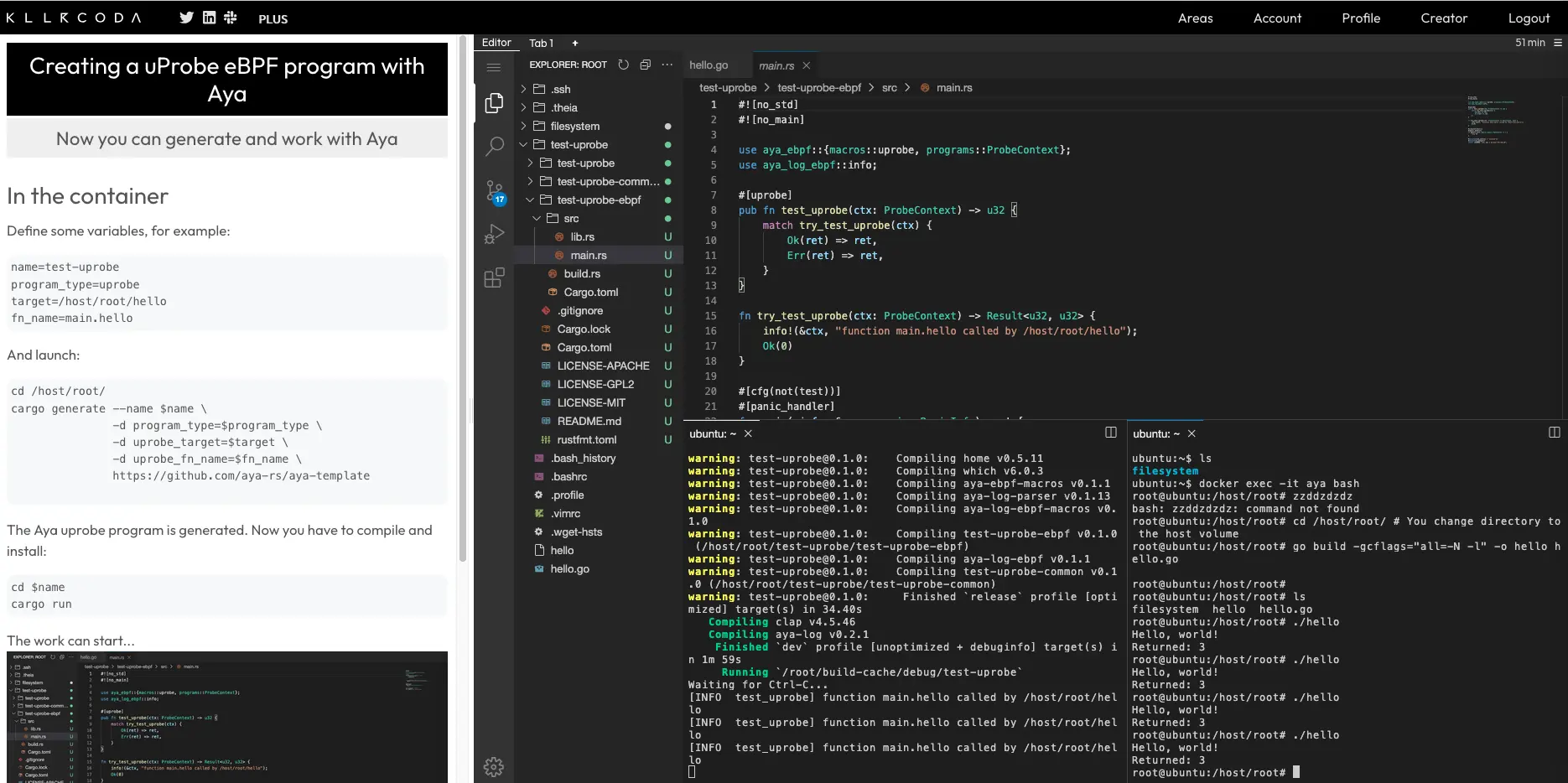
I assume you are already in an environment for developing with Aya and that you have installed bpftrace. If not, you can use the Killercoda lab:
What are we really going to do?#
Libc#
Unlike in the previous section, where we attached our eBPF program to a program, here we are attaching it to a shared library.
Libc is the standard C library. So every time a C (or C++) program is executed, an eBPF program could potentially be launched.
libc throughout this chapter. To be more precise, we should refer to glibc (GNU C Library), the most widely used implementation in GNU/Linux distributions (such as Debian or Red Hat). But there are other implementations such as musl (notably for Alpine Linux) or ulibc, which are lighter and more suited to embedded systems.The execve function#
execve is a system call (a syscall) from the Linux kernel. But it is also the name of a function in libc that calls this same syscall (a wrapper). Thus, each time the execve() function of libc is called, our uProbe-type eBPF program will be launched.
The arguments of the execve function#
We also need to retrieve the various arguments of the execve() function.
To find its arguments, we could obviously look in the libc source code. But there is an easier way:
man execve

The part that interests us is the following:
int execve(const char *pathname, char *const _Nullable argv[],
                  char *const _Nullable envp[]);
We can see that the function has three arguments:
pathname: the name of the command with the full path (e.g.,/bin/bash). It is of typeconst char *(equivalent in Rust to*const u8).argv: an array of command arguments. It is of typechar *const _Nullable[](equivalent in Rust to*const *const u8)argv[0]: the name of the commandargv[1]: the first option- etc.
envp: an array of command environment variables. It is of typechar *const _Nullable[](equivalent in Rust to*const *const u8).
_Nullable simply indicates that the value can be NULL.How to trigger the eBPF program?#
Let’s take a simple example. If you run a command in a terminal, for example ls, what will happen?
- Thanks to the
PATHenvironment variable, the shell (for example bash) will find the right path to locate thelsbinary:
/usr/bin/ls
- To execute the binary, the shell will then call the
execve()function from libc:
execve("/usr/bin/ls", ['ls'], ["PATH=/bin:/usr/bin", ...])
- The eBPF program will finally be triggered.
Here is a brief summary of all this:

There are obviously other programs besides shells that call the execve() function in libc, such as systemd for starting various programs on a Linux system.
So we are going to create a program very similar to the one we created with the sys_enter_execve tracepoint in the introductory articles on eBPF, but this one will be attached at the user level to the execve() function of libc.
Let’s generate an uProbe-type Aya program#
So we already have the answers to both questions:
🤷   Target to attach the (u|uret)probe? (e.g libc):
🤷   Function name to attach the (u|uret)probe? (e.g getaddrinfo):
Let’s see how to create an eBPF Hello world program for this attachment point.
Let’s test it with bpftrace#
First, let’s check that it works with the bpftrace command line:
sudo bpftrace -e \
  'uprobe:libc:execve { printf("Hello execve\n"); }'
uprobe: the type of eBPF programlibc: the name of the libraryexecve: the function to debug{ printf("Hello execve\n"); }: the bpftrace code
Each time we run a command on another terminal, we see Hello execve.
Now let’s do it with Aya.
Generating and compiling the Aya program#
The following cargo generate command generates the eBPF program:
cargo generate --name test-uprobe-2 \
               -d program_type=uprobe \
               -d uprobe_target=libc \
               -d uprobe_fn_name=execve \
               https://github.com/aya-rs/aya-template
uprobe_target and uprobe_fn_name), you can look at the test.sh in the aya-template repo.Now let’s compile it and install it in the Linux kernel:
cd test-uprobe-2/
RUST_LOG=info cargo run
Testing the program#
On another terminal, launch any program:
ls
On the cargo run terminal, you will see:
[INFO test_uprobe] function execve called by libc
In the previous section, we left off at this point regarding uProbes. Let’s look at how to retrieve the various arguments of the execve() function. Let’s start with the first one: the name of the binary.
Let’s retrieve the name of the binary#
Let’s test with bpftrace#
Before modifying the Aya code, let’s see how to do it with bpftrace. It’s a bit more complicated than a simple hello world.
To retrieve the first argument, we use arg0:
sudo bpftrace -e \
  'uprobe:libc:execve { printf("%d\n", arg0); }'
We retrieve the address where the first argument is located. How do we “convert” it to a string? Just use the str() function:
sudo bpftrace -e \
  'uprobe:libc:execve { printf("%s\n", str(arg0)); }'
Now that we have the draft with bpftrace, let’s see how to implement it with Aya.
Let’s modify the Aya code#
Continued reading reserved for premium members ✨
The full article is only available to premium members.
Becoming a premium member is easy: just make a small donation 💖
In exchange, you will receive for 1 year (early bird offer):
- Access to all full articles as soon as they are published
- Early reading before public release
- Participation in supporting this independent blog
- Exclusive access to my vacation photos in Dubai
Your donation will help:
- Make me less dependent on large platforms
- Encourage me to create more technical content
- Lift the paywall more quickly for everyone